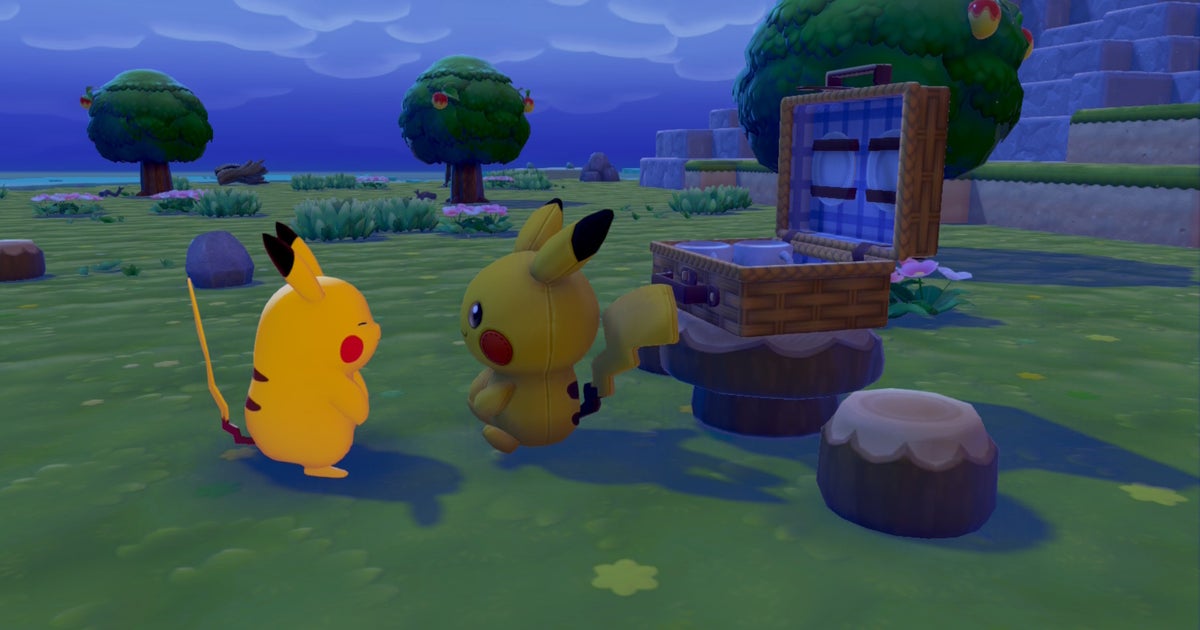


Did you know that there’s a 3D Printer in Pokémon Pokopia that’ll allow you to quickly print copies of items you might need? You can even use this device to print out furniture and decorations you don’t yet have in your possession, making it great for completing habitats and raising Comfort Levels.
Such a useful device comes with quite the cost however. Here’s exactly how to use the 3D Printer in Pokopia.
Looking for more help on Ditto’s adventure? Then check out our Pokopia walkthrough.
How to use the 3D Printer in Pokémon Pokopia
The 3D Printer in Pokopia is accessible once you’ve rebuilt the Pokémon Center in Withered Wastelands, with the machine being found to the left inside the building. Before you can print anything using the 3D Printer though, you need reference images and materials!
Here’s how to use the 3D Printer step by step:
1. Take some reference photos
Get out your in-game Camera and take some reference photos of the items you specifically want. To do this, press the Minus button (-) to open the Camera, then press ‘Y’ to enter reference photo mode.
This photo mode will label furniture and decorations as you approach them so you know exactly what you’re taking a reference image of. It’ll also add the photos to a special reference photo folder, where only 20 images can be stored at a time, so be sure to clear your photos out after printing the items you want.
It’s also worth noting that reference photos aren’t limited to what’s in your own world. You can visit friends’ worlds in multiplayer or pay a visit to Cloud Islands – such as the Developer Island – and take reference photos of furniture you’ve not yet found. This is a great way of completing habitats you don’t yet have!
2. Gather some Pokémetal
3D Printing items is a costly business that’ll set you back different amounts of Pokémetal depending on what you’re printing and how many copies of it you’re printing.
With this in mind, you’re going to need a lot of Pokémetal if you wish to print a lot of things, but as a forewarning, be sure to save some for other objectives and Requests too if you’re still early on in your playthrough.
I found most of my Pokémetal fragments inside the caves in Rocky Ridges, but it was still quite hard to come by. Another way in which you can get yourself some Pokémetal fragments is by visiting a Dream Island using the Dragonite Doll; this also happens to be where you can get plenty of Wastepaper for making Paper too.
Remember, once you have some Pokémetal fragments, you’ll need to process them in a Smelting Furnace to turn them into Pokémetal Ingots that can be used for 3D printing.
3. Use the 3D Printer
Once you have some reference photos of furniture or decorative items you wish to duplicate, as well as some Pokémetal in your backpack, pay a visit to the 3D Printer in the Pokémon Center and interact with it.
You’ll be prompted to choose one of your reference photos and will then be asked how many copies of the item in that photo you wish to create, each of them costing an amount of Pokémetal. When you’re ready, confirm your decision and the items printed will be added to your inventory immediately. That’s all there is to it!
Have fun visiting using the 3D Printer in Pokopia. For more, take a look at how to use Mysterious Feathers, how to get electricity, and how to raise your Trainer Rank.