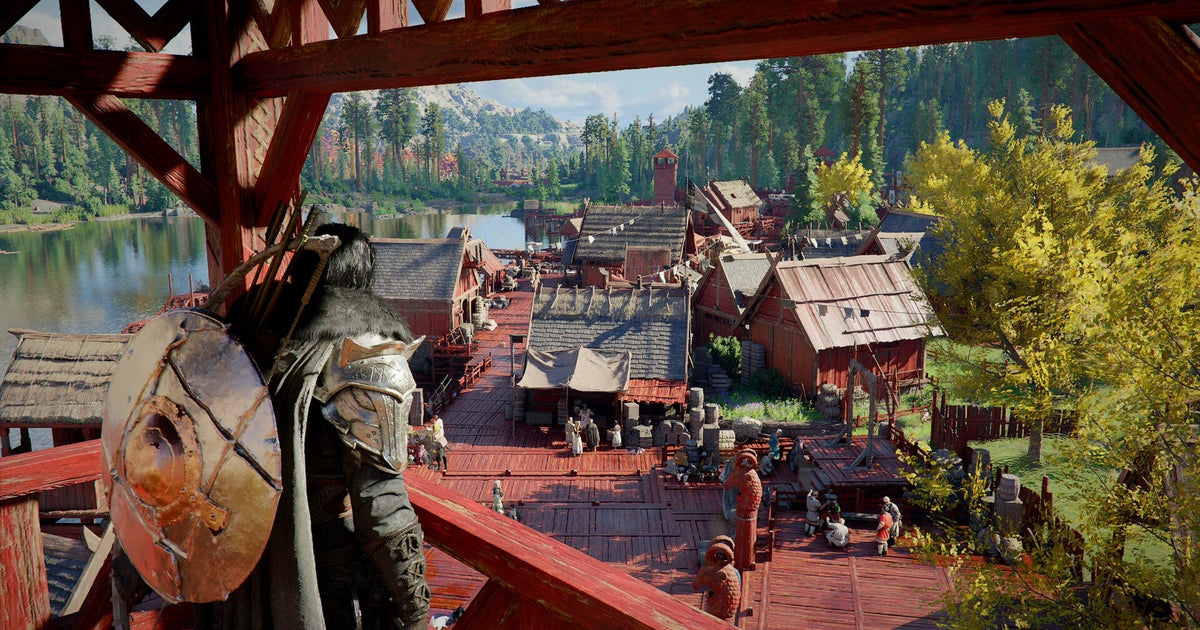


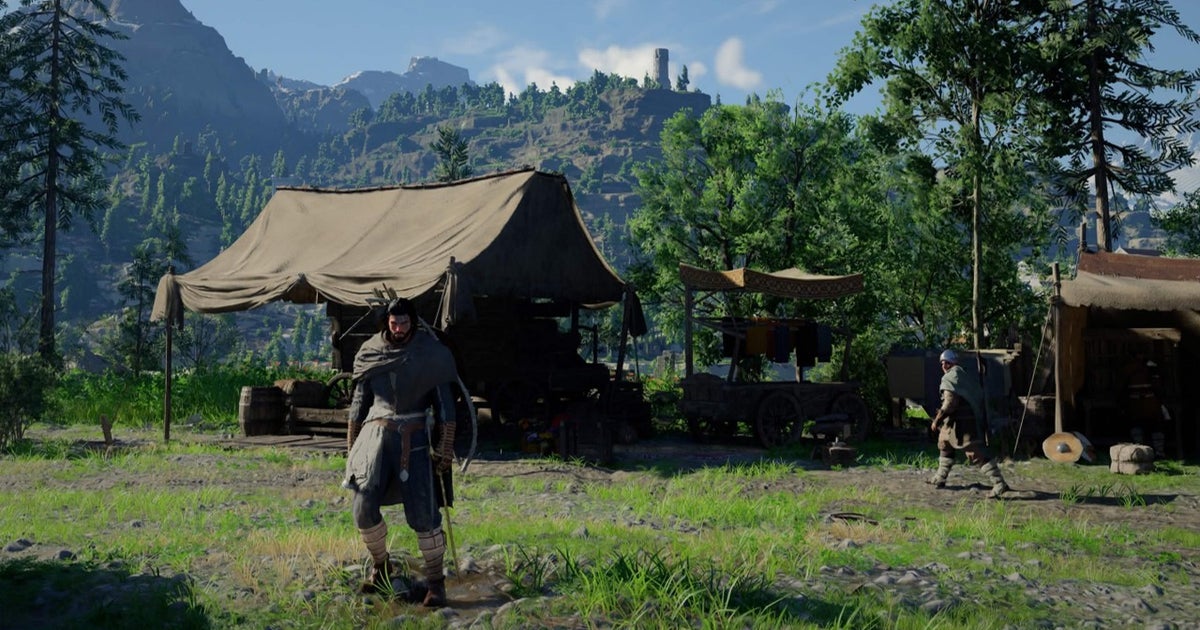
Greymane Camp is a key location you’ll unlock during Chapter 3 of Crimson Desert. With important features and its own dedicated questlines, this location will act as the core hub in which you’ll house the other Greymanes as you interact with a bevy of systems that open the game up considerably.
To set you up with all you need to know, we’ll run through how to upgrade Greymane Camp, and explain all you need to know about Camp Provisions, Funds, Missions, Storage, and more.
On this page:
How to upgrade camp
After first opening up Greymane Camp, you’ll have a limited number of NPCs and features available to you. However, by progressing through to the end of Chapter 3, you’ll receive a quest to expand the area and unlock new features.
Completing this will not only expand the size of your camp, but also kick off new questlines that unfold as you complete requests for each of the Greymanes you’ll be recruiting.
These quests are worth doing when they appear as you’ll also be able to work towards unlocking additional features and expand your overall reach and wealth. However, you’ll need to meet various prerequisites along the way which includes completing certain quests or making additional main quest progress, particularly as the game becomes more challenging.
Camp provisions explained
The ability to donate camp provisions is one of the earliest unlocks at Greymane Camp.
Whilst this isn’t initially something you might have any interest in, as soon as you begin to expand your camp and send comrades out on various missions, you’ll want to be supplying your camp with as much as you can to keep them stocked up and ready to take on more challenging missions. This will be alongside what they receive from completing missions themselves.
You don’t have to worry about the specifics of what you’re donating though since the game will handily convert what you donate into materials and currency that’ll add to the camp’s overall stock.
From left to right (seen in the image below), conversions for camp currencies are as follows:
- The Armour and Equipment counter is for any donated armour, clothing, or weapons
- Stone/Ore counter includes any donated, mined materials such as Stone
- Wood/Lumber counter includes any donated Timber
- Food includes any donated ingredients for alchemy or crafting, and meals
- Coin includes any donated money or valuables
The camp’s current stock can be checked in a few places, but will usually be on screen in the upper right corner when inside of Greymane Camp. You can also see the number of comrades you’ve recruited alongside your resource counts too.
To donate materials, you’ll need to speak to Carl and select ‘Camp Provisions‘, and then you’re free to pick various items in your own inventory to give to the camp. Do note however that once you donate an item, it is gone forever, so keep this in mind.
When speaking to Carl, you can also recover lost and uncollected items by using the ‘Recover Items’ option.
As this whole system also ties into trading, there’s more to be said on this topic which we delve into further down.
Camp funds explained
Along with materials and resources, you’ll also have the option to donate money to your camp too.
This works in a similar way to provisions, boosting the amount of materials your comrades and camp have access to, allowing more missions to be taken on. Beyond that though, it also can unlock rewards along the way as you donate more and more funds.
As you continue to donate, you’ll increase your donation level. As this is raised, you might run into various rewards scattered around the camp.
The in-game explainer notes that ‘the type and location of rewards vary depending on the donation type and level’, so you’ll want to keep an eye out as you make further donations to see what you get back. From my experience, you may need to donate larger amounts to see rewards popping up in the camp as early on, I hadn’t noticed anything just yet.
Camp missions explained
As you recruit more Greymanes, you’ll also be able to dispatch them to undertake missions.
These missions take place at locations you’ve discovered and cover a variety of objectives. Once dispatched, the comrades you send will naturally progress these missions based on in-game time. After the allotted time has passed, you’ll be rewarded with materials and currency added to your camp’s stock and – depending on the mission – other items you can collect and keep for yourself.
To access the list of missions, you have a couple of options: by inspecting a specific location on the map, or by speaking to Ross at the camp who will provide you with a list of all your discovered locations and their respective missions in one place.
When viewing a mission, you’ll be able to view all its requirements and details on the right-hand side of the screen. This box will list how many members you need to complete the mission, how long it’ll take to complete, required currency, rewards, and more.
It’s also here where you’ll be able to compare each of your comrades and their respective Skills to see who is most suited for the mission, as well as different bonuses – some of which are comrade-specific based on their skills and others that are mission-specific.
Comrade-specific bonuses will provide extra rewards based on the skills of your comrades and mission type being completed – for example, comrades with the Shield icon will earn you extra rewards in Escort missions. You can view these skills and their bonuses when selecting a Comrade in both the mission screen and the ‘Manage Comrades’ screen.
If a comrades’ skill matches the type of mission they are being dispatched on, this gets represented by the ‘Skills’ bonus in the mission’s details section.
Pairing the right comrade with their respective mission types is key if you’re looking to net even more rewards. Furthermore, the effect of these skills can be increased by upgrading your camp, increasing mission payouts.
When it comes to Mission-specific bonuses, these grant additional rewards based on the makeup of the crew you’re dispatching and any donations to the local area’s church.
They mission bonuses are as follows:
- Conversion tracks the percentage bonus you’ll receive based on how much you’ve donated to that area’s local church.
- Skills provides a percentage buff based on the skill level of comrades being dispatched, if they have a skill that matches the mission type.
- The Comrade bonus provides extra rewards the more members you dispatch.
Since mission dispatches work in the background whilst you play, provided your camp is well stocked up on resources and currency, you can continuously send them on various missions whilst you’re off questing. In doing so, you’ll be bringing in additional money, materials, and rewards as you play.
As a final note, if you’re looking to quicken how fast missions get completed, you are free to fast forward time by 12-hours by sleeping in a bed. The amount you can do this is limited, but it’ll bring active missions closer to completion, earning you their rewards sooner.
Camp storage explained
When starting out in Crimson Desert, you’ll have a handy Private Storage chest accessible within your tent. However, once unlocking Greymane Camp, it’s location will change.
Specifically, you’ll be able to locate the chest’s new location within the main tent at the camp – next to a bed you can sleep in.
This is all on top of various storage expansions you’ll receive to Kliff’s own inventory through side missions, story progress, and more.
As we explain in the next section below, you can also package goods ready to be sold, however this is part of a deeper system involving trading. Whilst it’s a way to get rid of items in your inventory, there is no way to retrieve them once they are gone, so this is worth bearing in mind once you start interacting with the Provisions vendor, Carl.
Camp trading and trade goods explained
As mentioned earlier, the provisions system also connects to the overarching trading system that’ll open up the more you play too.
It’s a multi-stage system that has more and more options as you keep playing and completing Greymane quests. As an example, once Bruce and Arnold have been recruited, you’ll be able to build a wagon which can then be used to trade ‘Packaged’ trade goods.
Speaking of, let’s explain what Trade Goods are…
As you play, you might come across items with blue backgrounds – these are known as ‘Trade Goods’. On their own, they are classed as ‘unpackaged’ Trade Goods, and can be sold at vendors around the world, like the one at the Goldleaf Trading Post, across the river north-east of Greymane Camp.
Once you reach Chapter 3 and unlock the ability to store these Trade Goods in the camp, you’ll be able to turn them into ‘packaged’ Trade Goods.
These items can’t be sold in the same way however, instead needing to be transported via a separate delivery system – such as a horse or wagon – and then sold at a Trading Post like the one that Shankatu opens up at Goldleaf Guildhouse at the conclusion of Chapter 2.
To deliver goods via horse, you’ll need to have recruited Ed to become the camp’s stablemaster.
However, if you’re wanting to opt for a wagon which can hold and deliver more goods, you’ll need to build one. To do this, you’ll need to have Brice recruited to become the camp’s wagonmaster, as well as another Engineer that can be sent on Crafting missions. Once that’s done, you’ll be able to build your own wagon for deliveries.
This is a process you’ll have to do manually, so be careful not to lose or damage any of the goods on the way to your destination.
Along with selling goods, you’re able to purchase what’s on sale too, with available items and their prices fluctuating on a weekly basis.
This results in a whole other metagame you can engage with, opening up new avenues to make money. With this system, you’ll generally want to be buying items when they’re cheap and selling when their value increases, and you can track all this when viewing what’s on offer at each trading post via the map and vendor screens.
Overall, it’s a fairly complex system, but one that can be rewarding to figure out and expands on the overarching moment-to-moment gameplay of Crimson Desert.
Additional Camp features
Beyond these core features, there are a few extra aspects worth calling attention to as well.
One of those aspects is Farming, which when unlocked, opens up an area in which you can plant seeds to grow plants. These can provide you with extra food growing as you play, though you will be required to tend to the farm to keep it all going.
Alongside that, you can also build a Ranch in which you collect and house animals. You’ll look after them – aiding their growth by feeding them – and it acts as a fun little side-game where you can build up a family of animals that will periodically reward you with items that differ based on the animal. Much like missions and the Farm, this will progress in the background.
The Ranch can also be a nice source of food and resources for your camp if you decide to butcher any of the animals – we won’t judge you, promise! Okay, maybe a little…
Continuing well into the endgame, the camp is a location you’ll be returning to quite often, and one that’s worth interacting with regularly. Whilst you’re free to focus purely on exploring the world and doing everything manually, we’d definitely recommend keeping up with your camp and unlocking new features as and where you can.
This is especially true since there have been a few reports of missions rewarding endgame materials that have finite sources in the game world. Along with how rewarding it can be throughout the game, it’s definitely worth investing into and checking in on as you continue to play, so that you can obtain what are essentially limitless rewards.
How’s your Crimson Desert camp looking? Hope you enjoy all the upgrades and systems on offer. For more details on what you can get up to in Crimson Desert, be sure to check out our pages covering other aspects of the game such as how to fish, and mining Iron Ore.